The party game everyone actually plays.
Bring the full power of a venue night home. Cue a playlist on your iPad, pop it on your TV, and let the whole family or a house full of friends join in from their phones. No laptop to lug about.
From £4.99 for 48 hours. Perfect for parties, Christmas and holidays. Requires macOS 26 or iPadOS 26.
What it is
All the fun of a pub night, on your sofa.
Music video bingo is bingo where every number is a banger. Pick your songs, put the videos on the TV, and everyone marks the tracks they recognise. First to the pattern shouts bingo, and the app checks the win for you, so there are no arguments and no scorekeeping. Made for birthdays, Christmas, holidays and lazy Sunday afternoons. It is the exact same app the pros run in packed venues, every feature, just pointed at your front room, and you can host from your Mac, your iPad, or both.
Cue a playlist on your iPad
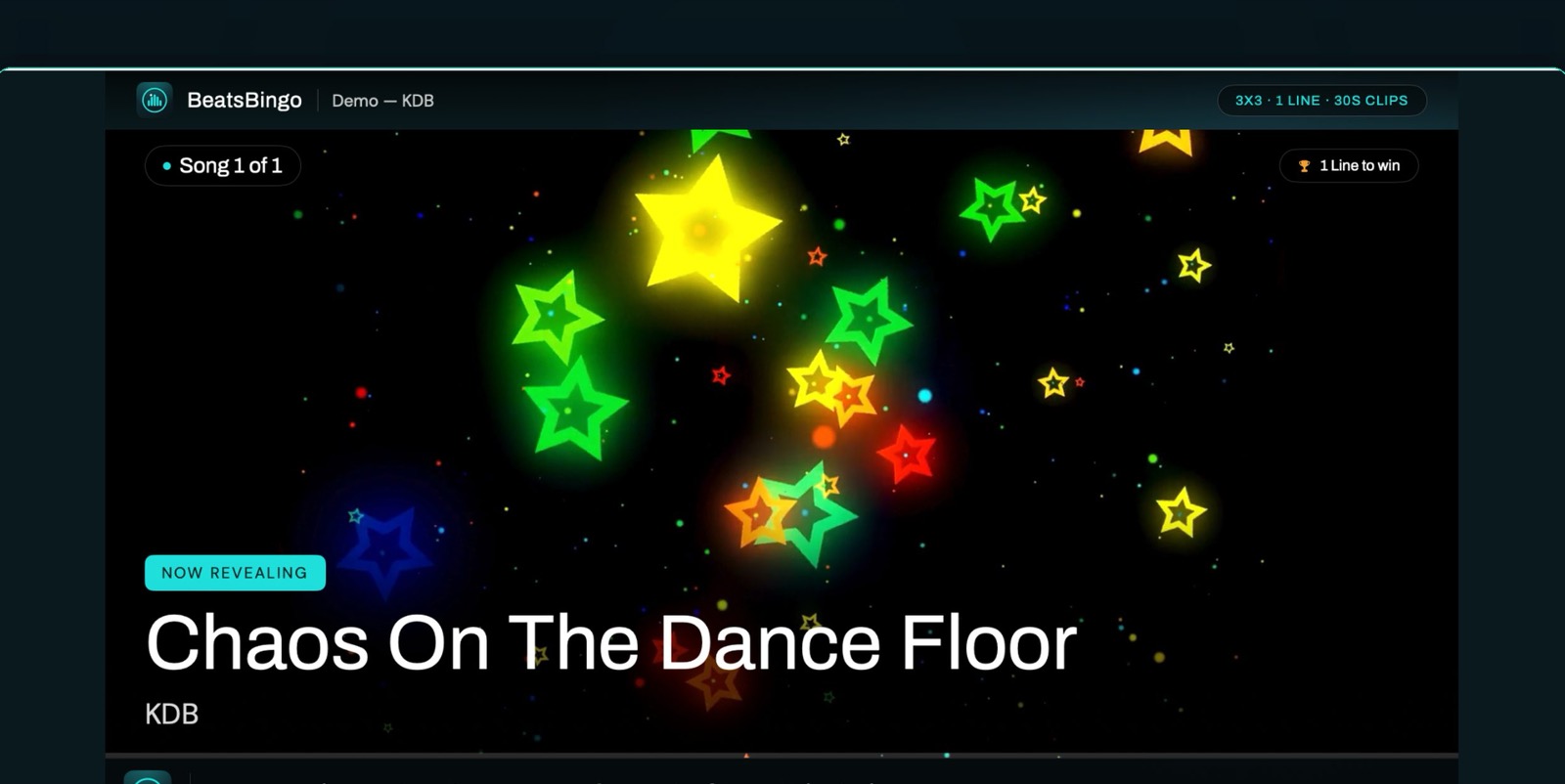
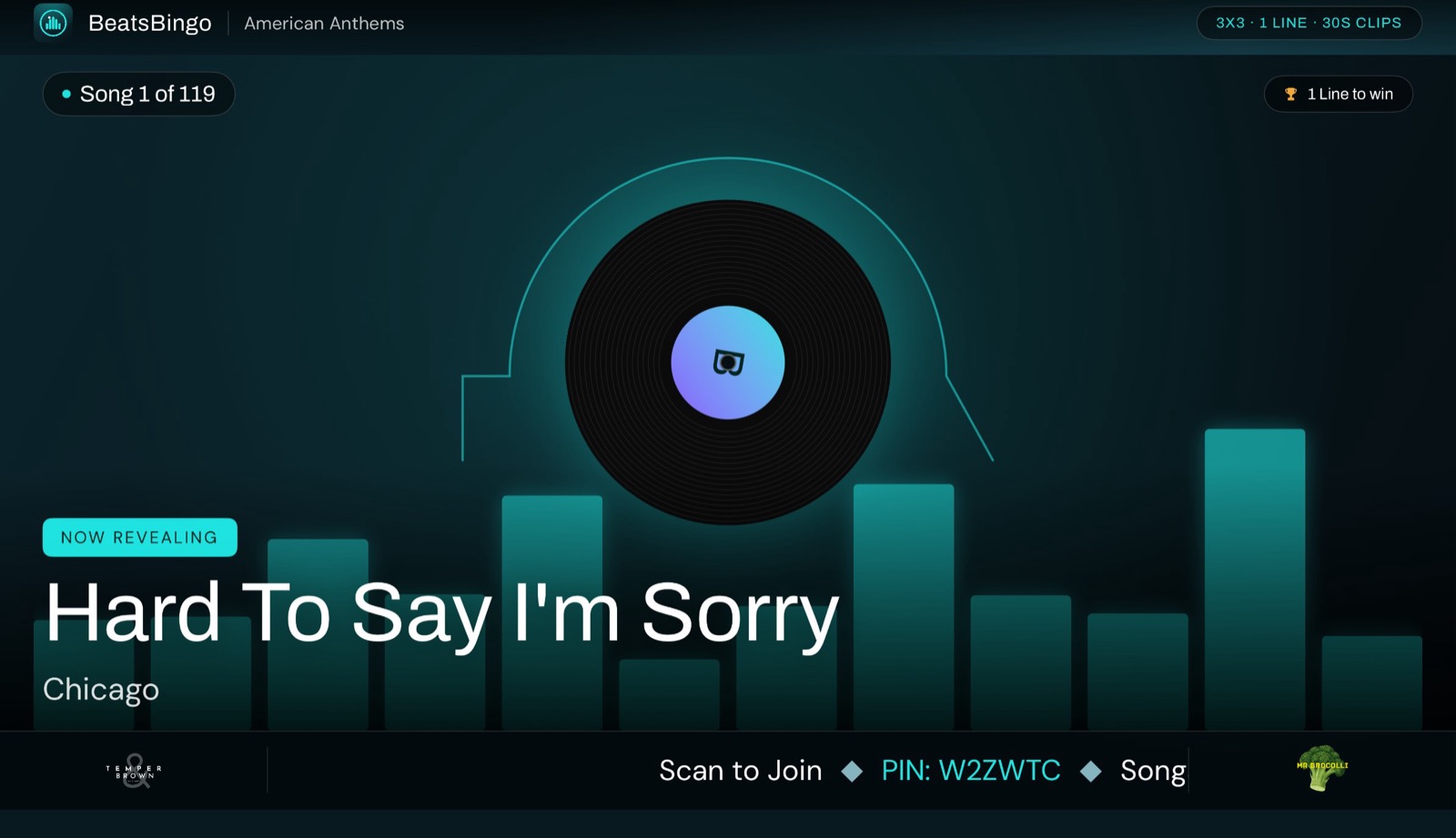
It is music video first, and the songs play out on your TV. Load your own video and audio files from a memory card, or stream from Apple Music. Pick a grid size and you are ready.
AirPlay or plug in and go
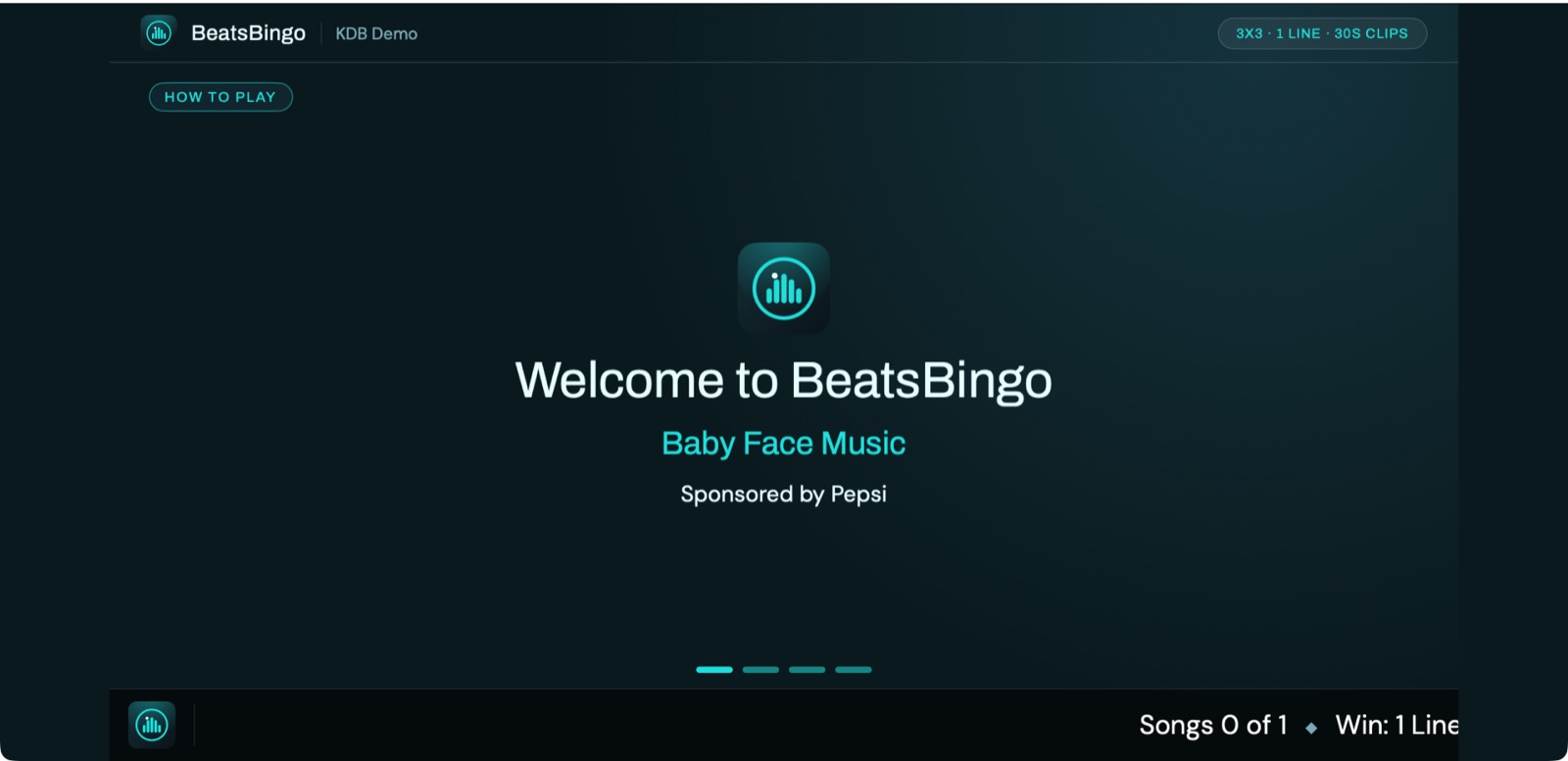
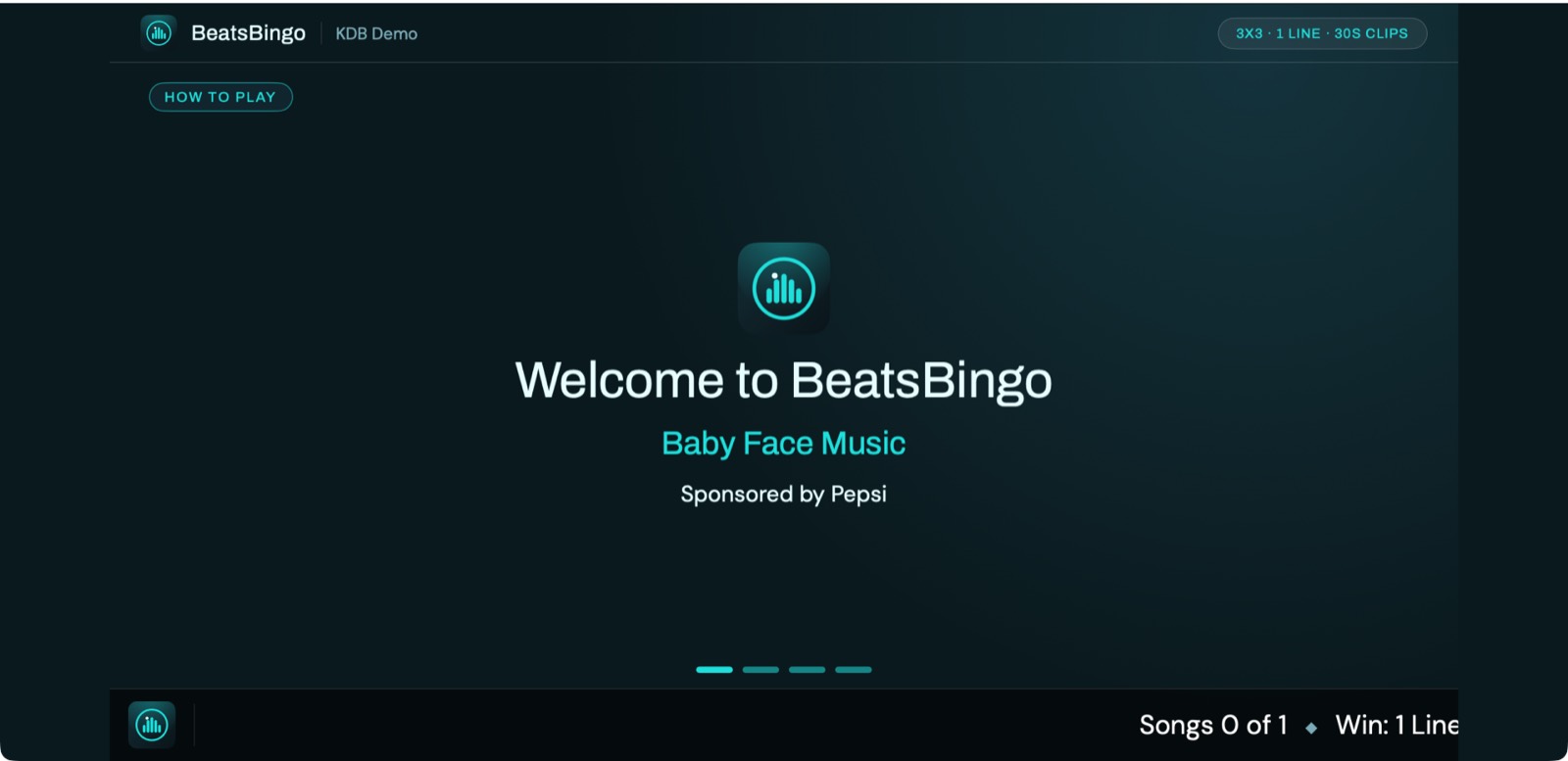
Get the show onto any TV over AirPlay or HDMI. A friendly how to play loop shows everyone the ropes, so there is no explaining needed.
Phones, then bingo
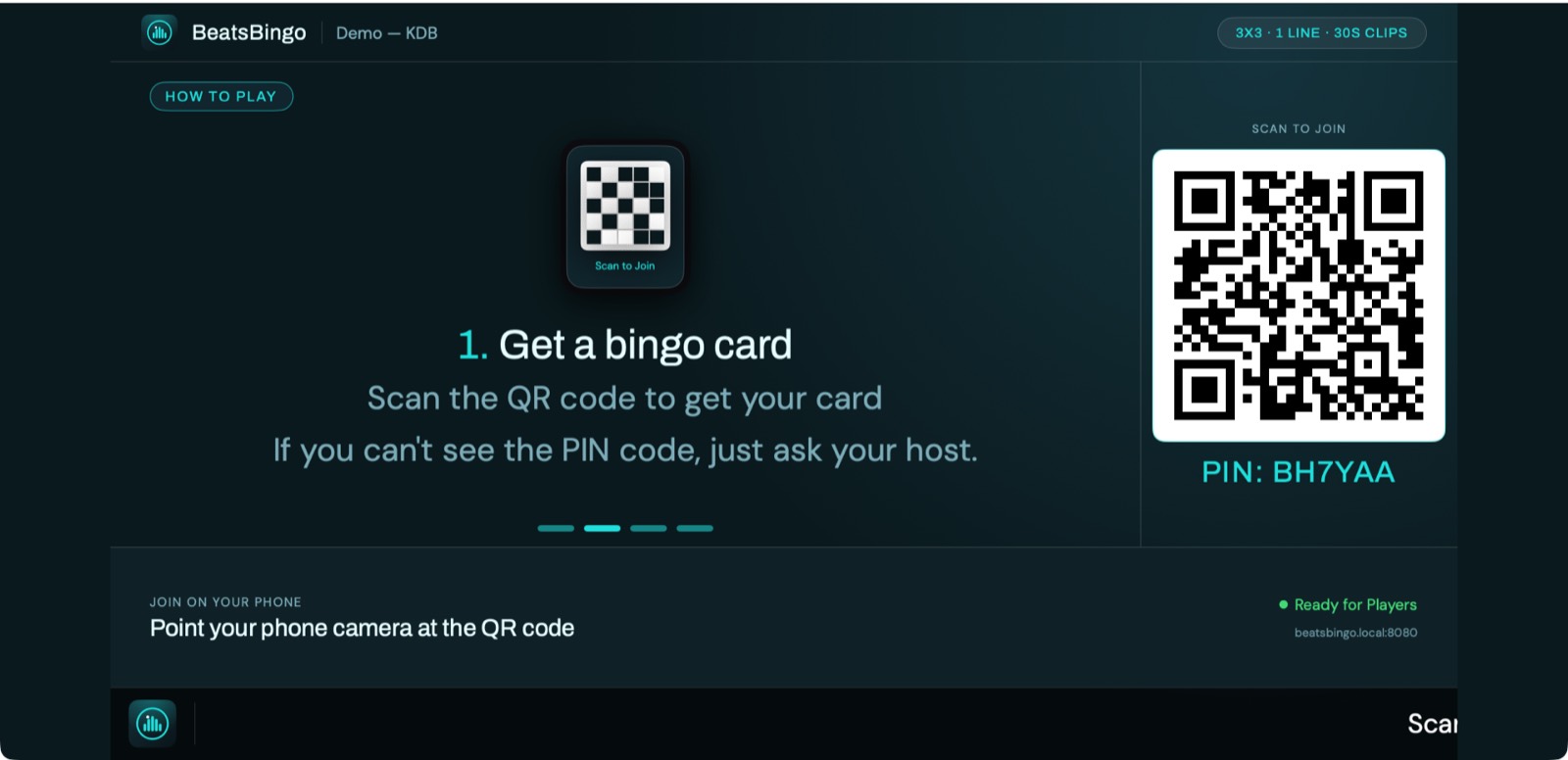
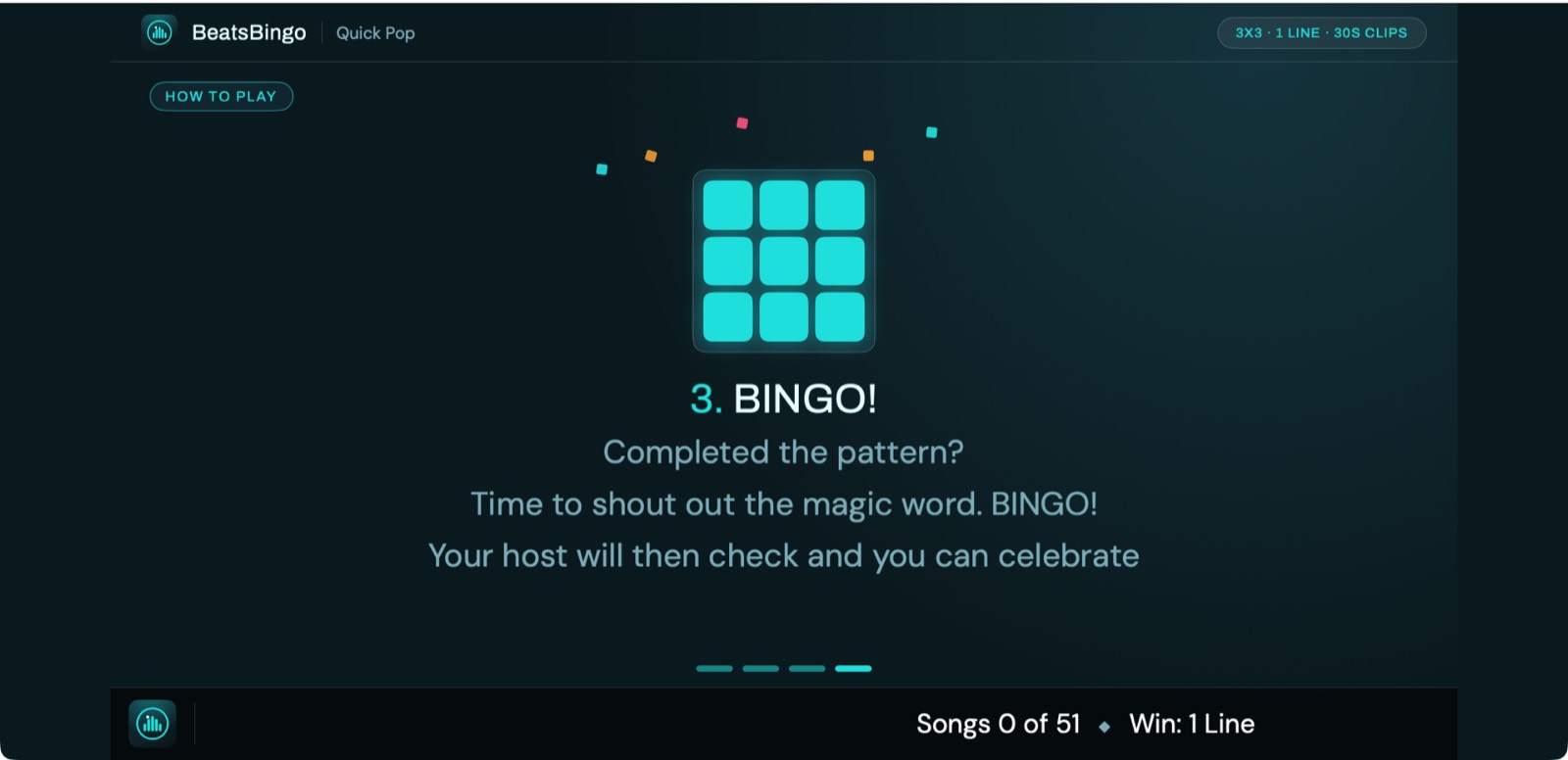
Guests scan a QR code and play on their phones, with nothing to download and nothing to set up. When someone shouts, the app checks the win. Cue the cheering. (Fancy printed cards too? Those come with the weekly Advanced and Pro plans.)
Why it is a hit at home
Big night fun without the big night faff.
Music video first
Real music videos on your TV make it feel like an event, not a phone game. Audio only and Apple Music are there whenever you fancy them.
No app for guests
Everyone joins by scanning a QR code. It is a web page, so there is nothing to download and nothing to set up. Playing in seconds.
Made for occasions
Birthdays, Christmas, holidays, house parties. Pick a themed playlist, 90s, movie soundtracks, one hit wonders, and you have got a night.
Cards for everyone
Everyone plays on their phone by scanning a QR code, with no app to install. Prefer paper? Printed card packs, PDF with an ink saver mode, are there on the Advanced and Pro plans.
It keeps score
No pens, no arguments. A claimed win is checked against the songs played and shown on screen. You just enjoy the party.
Ten languages
The app and each guest phone follow their own language automatically, brilliant for a mixed family or friends from abroad.
See it in action
From first song to happy chaos.
Pricing
One app, three ways to play.
Home is a one off Party Pass. Advanced and Pro are subscriptions billed through the App Store. Prices shown include VAT.
Home
Parties, birthdays and holidays
48 hours of Home play, no subscription
- ✓Up to 10 phone players
- ✓Phone cards, no app for guests
- ✓Your own music, or Apple Music
- ✓Host from a Mac or an iPad
Advanced
Full hosting, pay by the week
About £30 a month. Hosting most weeks? Pro works out cheaper.
- ✓Everything in Home
- ✓Up to 75 phone players
- ✓Printed card packs, PDF, A4 or Letter
- ✓Pair an iPad as a remote control
Pro
Everything, plus your branding
or £148.99 a year, about £12.42 a month, best value
- ✓Everything in Advanced
- ✓Up to 150 phone players, 300 cards
- ✓Your venue logo on screen and cards
- ✓A sponsor slot for extra revenue
Players and guests never pay and never download anything. They scan a QR code and play in a phone browser.
Requires macOS 26 or iPadOS 26.
Advanced and Pro are auto-renewing subscriptions billed by Apple. They renew until you cancel, and you can manage or cancel any time in your App Store account settings. The Party Pass is a one-off purchase and never renews. Existing Advanced subscribers keep their earlier £5.99 weekly price. See our Terms of Use and Privacy Policy.
The party agrees
Hosts and guests, in their own words.
“That was fantastic. We set it up on the iPad for a family BBQ so the kids had something to do instead of YouTube videos. We ended up playing ourselves with the adults in the small hours too. Absolutely worth it.”
“I've been a beta tester of BeatsBingo since V1 and have hosted quite a few brunches and evening sessions. It had a few issues back then, but V2 is a huge upgrade. It's good to see a company listening and acting on feedback, especially on the visuals and the handset play.”
“Went to the pub on a Tuesday for food and they were having a BeatsBingo night. It was fun to play even though I didn't win. The host Michelle had such brilliant banter with us all, wandering around, chatting and getting us singing along.”
Good questions
FAQ and support
Do my guests need to download an app?
No. Guests scan a QR code and play in their phone browser. Any phone works, and there is nothing to download or set up. (Printed cards are an option too, on the weekly Advanced and Pro plans.)
What do I need to play at home?
An iPad or Mac running BeatsBingo and a TV. Cast the big screen to your TV over AirPlay or HDMI, and guests join over your home Wi-Fi.
Where does the music come from?
It is music video bingo at heart, so you can load your own video and audio files, including from a memory card, or stream full tracks from Apple Music. Mix them in one game. No music is included with the app.
How many people can play?
Home hosts up to 10 players on their phones, with no app to install, great for anything from a family of five to a houseful. For bigger nights, or to add printed cards, Advanced and Pro scale up to 300 cards in one game.
Is the Party Pass a subscription?
No. It is a one off purchase that unlocks 48 hours of Home play from the moment you buy. It never renews. When it runs out, buy another whenever you need one.
Is it good for kids and older relatives?
Yes. Joining is just scanning a code, the app keeps score for you, and it runs in ten languages, each guest phone following their own automatically.
What languages does it support?
Ten: English, Spanish, German, French, Italian, Portuguese (Brazil and Portugal), Korean, Japanese and Simplified Chinese. Player phones follow their own device language automatically.
Do you collect my data or my guests data?
No. No accounts, no analytics, no tracking. Player names live only in the host device memory for the session. See the privacy policy for the full detail.
Still stuck? [email protected]. Real humans, quick replies.
Get the party started tonight.
Get BeatsBingo on your iPad. Cue a playlist, pop it on your TV, and let everyone join in.
Requires macOS 26 or iPadOS 26.